Channels

Channels are how a shader pass reads anything outside its own code: images, video, audio, other buffers, cubemaps, or keyboard state. In GLSL, those inputs appear as uniforms such as iChannel0, iChannel1, and so on.
Each pass has its own channel grid with up to 16 slots, from iChannel0 to iChannel15. The Image pass, arbitrary named fragment buffer passes, vertex hooks, and Slang compute passes can each access their pass's channels. That means iChannel0 in Image can point to a pass named Flow, while iChannel0 in Flow can point to a noise texture.
Vertex hooks share the pass's channel configuration with mainImage; they do not have a separate channel grid. Sample a configured channel with the generated helper, such as sampleIChannel0(uv). Vertex sampling uses mip level 0. Slang and GLSL vertex files both define mainVertex, with float3/float2 and vec3/vec2 parameters respectively.
What Channels Can Do
Channels are useful in a few different ways:
- Add source media, such as images, videos, audio files, and cubemaps.
- Connect passes together by reading the output of a buffer.
- Build feedback effects by letting a buffer read its own previous frame.
- Make shaders interactive by sampling keyboard state.
- Use per-input metadata such as resolution and playback time.
Adding a Channel
Open the pass you want to configure, then use the channel grid:
- Click + on an empty slot to add an input.
- Choose what the channel should read: texture, video, audio, cubemap, buffer, or keyboard.
- Set the file, source pass, or options for that input.
- Sample it in GLSL with the matching channel name.
Click an existing channel to edit or remove it. Channels can also be renamed, as long as the name is a valid GLSL identifier.
Note
Shader Studio injects channel uniforms automatically. For most channel types, you do not need to declare uniform sampler2D iChannelN; in your shader.
Sampling Channels in GLSL
The channel slot tells you which uniform to sample. If you add a texture to iChannel0, sample iChannel0. If you add keyboard state to iChannel1, sample iChannel1.
Use iChannelResolution[N].xy when the input has a different size than the canvas:
Choosing a Channel Type
Use a channel type based on what the shader needs to sample:
| Type | Use it for | GLSL sampler |
|---|---|---|
| Texture | Static images, noise maps, lookup tables, masks | sampler2D |
| Video | Moving footage sampled like an image | sampler2D |
| Audio | FFT and waveform data from an audio file | sampler2D |
| Cubemap | Skyboxes and environment maps | samplerCube sampled with a vec3 direction |
| Buffer | Output from another pass, including feedback | sampler2D |
| Keyboard | Pressed, held, and toggled key state | sampler2D |
Every channel also gets metadata uniforms such as iChannelResolution[N], and time-based inputs update iChannelTime[N].
Texture Channels
Bind a static image file to a channel.
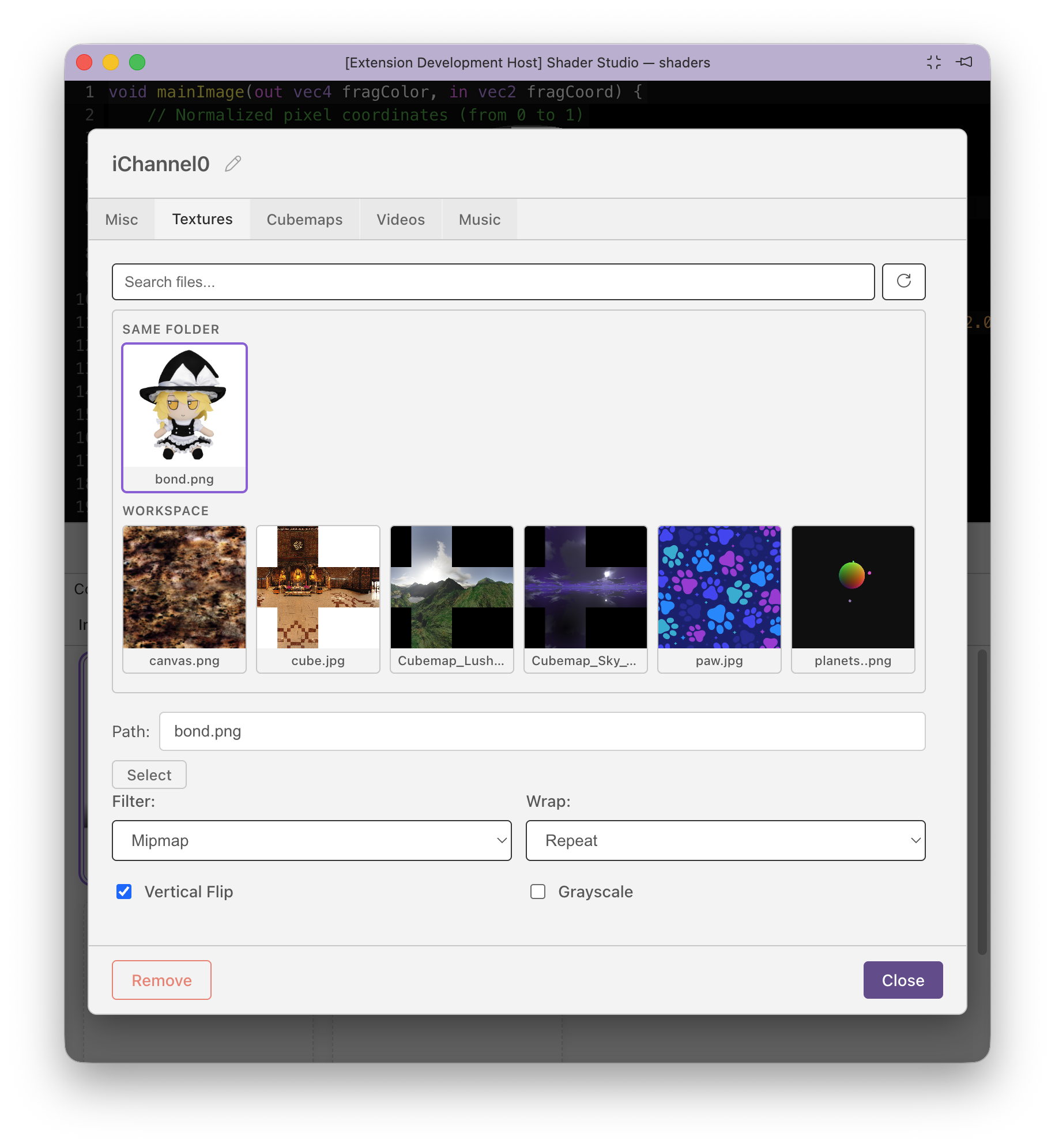
Supported formats: png jpg jpeg gif bmp webp tga hdr exr
| Option | Values | Default | Description |
|---|---|---|---|
filter |
mipmap / linear / nearest |
mipmap |
Texture filtering quality |
wrap |
repeat / clamp |
clamp |
Edge sampling behaviour |
vflip |
bool | false |
Flip the image vertically |
grayscale |
bool | false |
Convert to luminance (single channel) |
Tip
Use filter: nearest and wrap: repeat for data textures or pixel-art where blending between texels is undesirable.
Video Channels
Bind a video file. Sampled identically to a texture in GLSL.
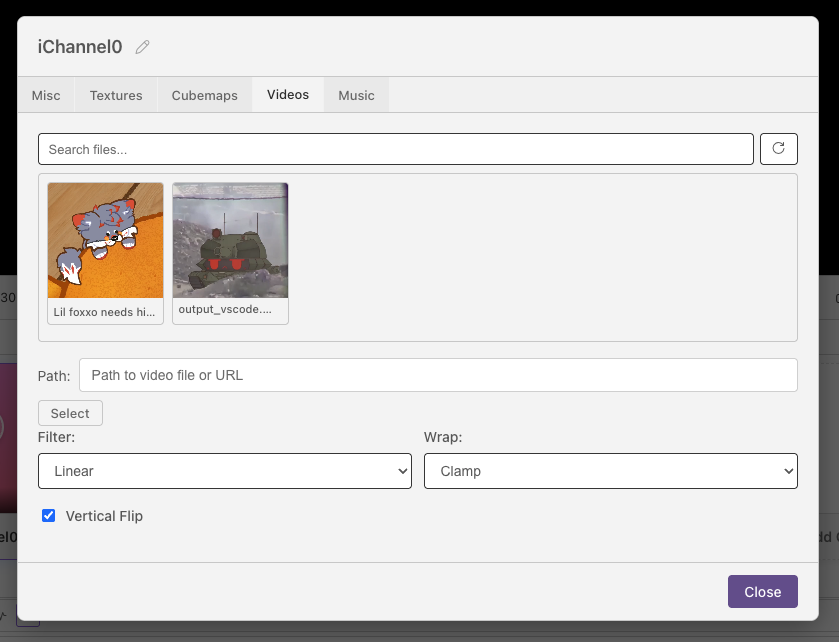
Common formats: mp4 webm ogg mov
The container extension alone does not guarantee playback. The video and audio codecs inside the container must also be supported by the browser engine used by your Shader Studio host. Codec availability can differ between a normal browser, VS Code, Electron, and operating systems.
The channel editor includes playback controls — play, pause, next, mute, reset, and a time display. Playback is synced to the shader's play/pause state. The mute button persists to the config as muted: true/false (default false), so a channel's mute state survives reloads and resets.
Note
Pausing the shader pauses the video.
Audio Channels
Bind an audio file. The channel provides a 512×2 texture containing frequency and waveform data each frame.
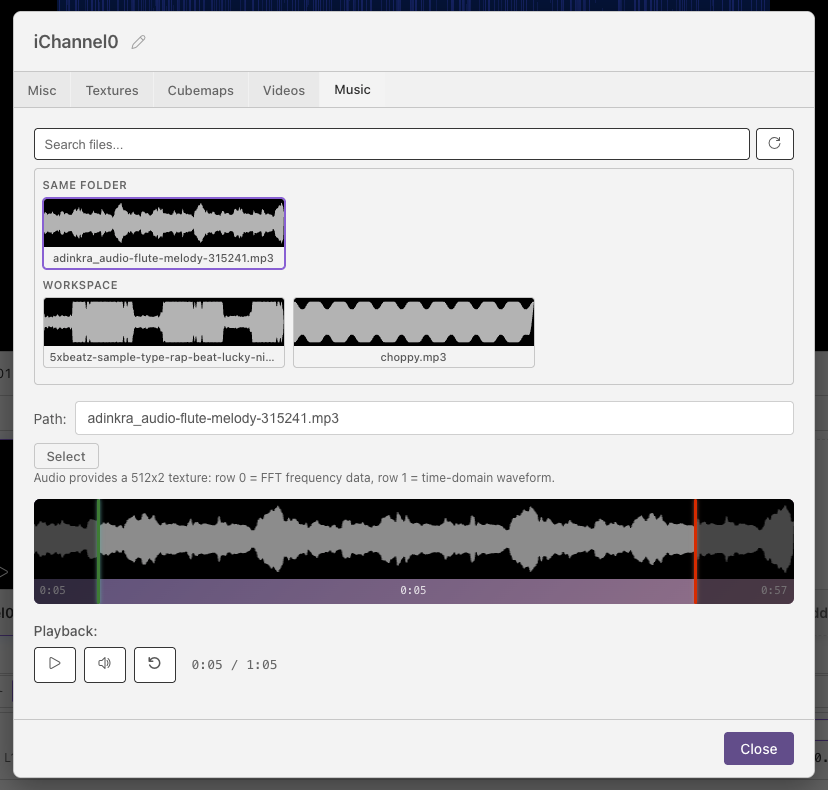
Common formats: mp3 wav ogg flac aac m4a — plus video containers
(mp4 webm mov) that contain an audio stream. Actual codec support depends on
the browser engine used by the host; a recognized extension does not guarantee
that its encoded audio can be decoded.
If a media file fails to load or its audio plays silently, convert it to a format supported by your target browser or VS Code build. For example, FFmpeg can create an MP3-audio copy of an MP4 while leaving its video stream unchanged:
Seamless audio loops
MP3, AAC, and other compressed formats can add encoder delay, padding, or a startup transient. These artifacts may cause a click or short gap when an audio channel loops. For the most predictable, sample-continuous audio-channel loops, use uncompressed PCM WAV:
Texture layout:
| Row | y coordinate | Contents |
|---|---|---|
| Row 0 | ≈ 0.25 | FFT frequency spectrum — x goes from low to high frequency, value is amplitude 0–1 |
| Row 1 | ≈ 0.75 | Time-domain waveform — x is sample position across the current audio frame |
float bass   = texture(iChannel0, vec2(0.05, 0.25)).r; // (1)
float treble = texture(iChannel0, vec2(0.85, 0.25)).r; // (2)
float wave   = texture(iChannel0, vec2(uv.x, 0.75)).r; // (3)
- Low-frequency FFT bin (x ≈ 0 = bass)
- High-frequency FFT bin (x ≈ 1 = treble)
- Waveform value at the current screen column
The channel editor includes a waveform visualiser with draggable handles to set a loop region (startTime / endTime in seconds) and standard playback controls. As with video channels, the mute button persists to the config as muted: true/false (default false).
Tip
The FFT texture layout matches Shadertoy's audio format exactly — audio-reactive shaders from Shadertoy port directly.
Cubemap Channels
Bind a cubemap image for environment mapping or skyboxes. The image must be in cross layout (T-cross PNG), which is the same format Shadertoy uses.
For free cubemap textures, see Humus 3D.
Supported formats: png jpg jpeg hdr exr
| Option | Values | Default |
|---|---|---|
filter |
mipmap / linear / nearest |
mipmap |
wrap |
clamp / repeat |
clamp |
vflip |
bool | false |
Unlike other channel types, a cubemap channel is bound as samplerCube — you must sample it with a 3D direction vector.
vec3 dir = normalize(reflect(rayDir, normal));
vec4 sky  = texture(iChannel0, dir);  // samplerCube lookup — direction, not UV
Warning
Cubemap channels are samplerCube, not sampler2D. Passing a vec2 UV will cause a compile error.
Pass Output (Buffer) Channels
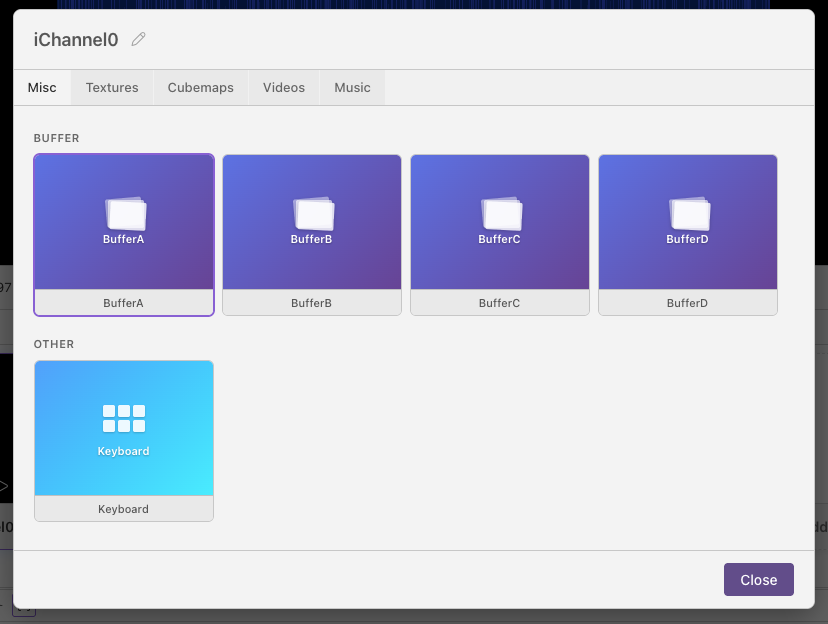
Read the texture output of a renderable pass. The source field accepts arbitrary fragment buffer pass names such as Flow and arbitrary names of Slang compute passes declared with "type": "compute". Referencing a compute pass causes Shader Studio to allocate its output texture. common is shared code rather than a renderable source, and Image cannot be used as a source. Pass names and counts are not limited to BufferA through BufferD.
For a compute pass with outputLayers greater than 1, set layer to select one texture-array layer. It defaults to 0 and must be less than the source pass's outputLayers:
vec2 bufferUV = fragCoord / iChannelResolution[0].xy;  // use buffer's own resolution
vec4 prev = texture(iChannel0, bufferUV);
Note
Use iChannelResolution[N].xy to get the buffer's resolution for UV mapping, especially if the buffer has a fixed resolution different from the canvas.
Frame timing: a pass samples the current-frame output of a source that runs earlier in the frame. A self-reference or reference to a source that runs later reads that source's previous output. This enables feedback loops, particle trails, and simulations. Compute passes run before fragment buffer passes, then Image runs last.
Keyboard Channels
Bind keyboard state as a texture. No path or options — just add it to a channel slot.
The channel provides a 256×3 texture. Each column is a key code (matching browser e.keyCode values, the same as Shadertoy).
| Row | y coordinate | Contents |
|---|---|---|
| Row 0 | ≈ 0.16 | Key currently held (255 = held, 0 = not held) |
| Row 1 | ≈ 0.50 | Key was just pressed this frame |
| Row 2 | ≈ 0.83 | Toggle — alternates each press |
// iChannel1 = keyboard
float held    = texture(iChannel1, vec2(32.0 / 256.0, 0.16)).r;  // Space held
float pressed = texture(iChannel1, vec2(32.0 / 256.0, 0.50)).r;  // Space just pressed
Next
Time and Playback Controls — scrub, loop, and control playback speed